
New RxWorks and Covetrus Ascend sync — included, no add-on fee
Never write a consult note again.
Record the consult. Whippet transcribes it, extracts the clinical detail, corrects the drug names, and writes the note in your template — in about two minutes.

Free for 30 days on the Unlimited plan. No credit card.
See who’s saying goodbye to manual notes


Record. Generate.
Done.
No scripts to follow, no dictation grammar to learn, nothing to install at the clinic. Press record and consult the way you already do.
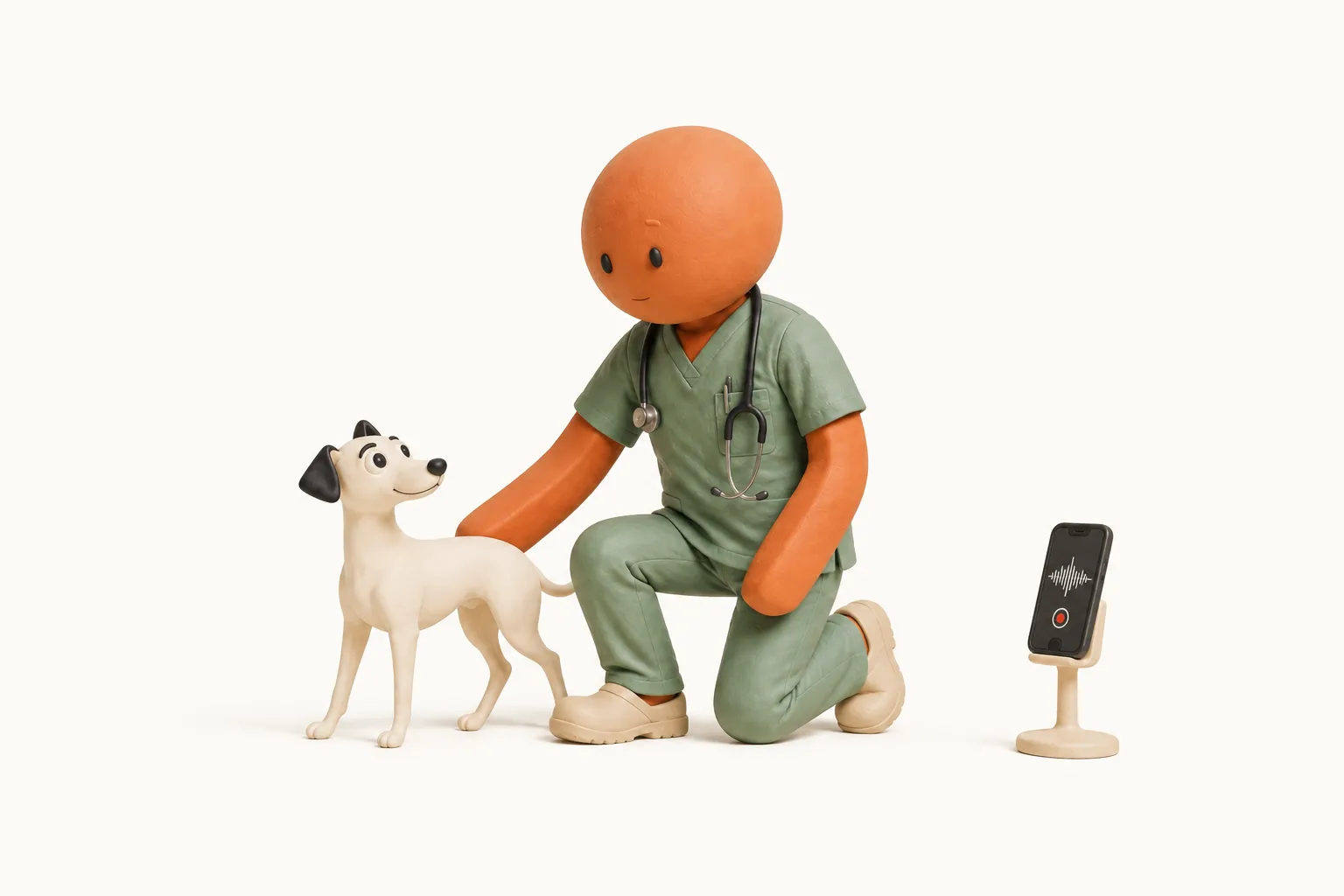
Record the consult
Open the app and hit record. It runs in the background — you don't have to hold the phone or watch the screen. On the mobile app it records offline too.
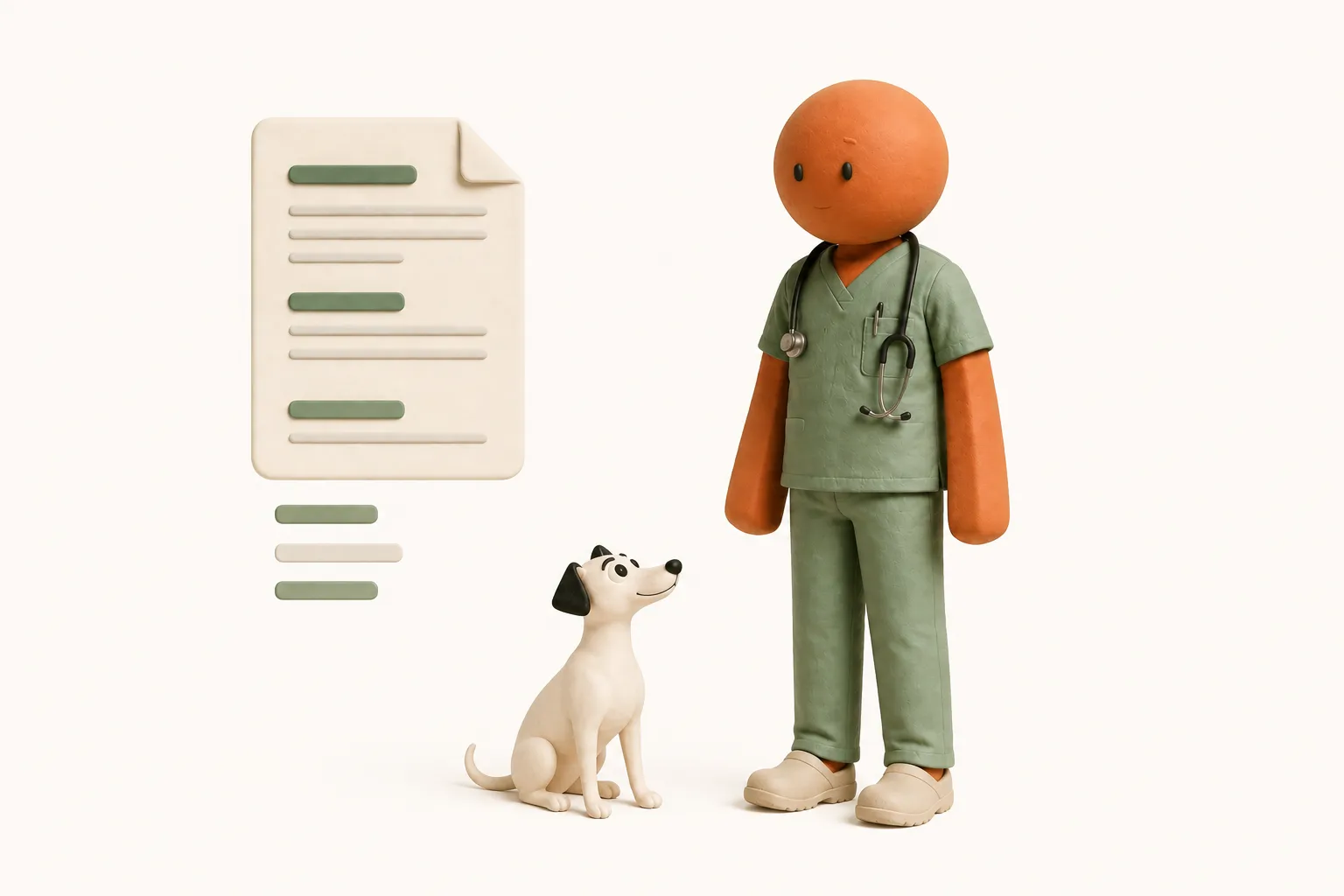
Whippet writes the note
The recording is transcribed, the clinical detail is extracted, medication names are corrected, and the note comes back in your template. One to two minutes.
Review and finish
Review your note and save any changes. For connected Covetrus Ascend and RxWorks appointments, notes sync automatically after processing, and saved edits sync again.
Efficient vet notes are
just the beginning.
One recording produces the clinical note, the client's letter, and the billable items you'd otherwise be reconstructing from memory.
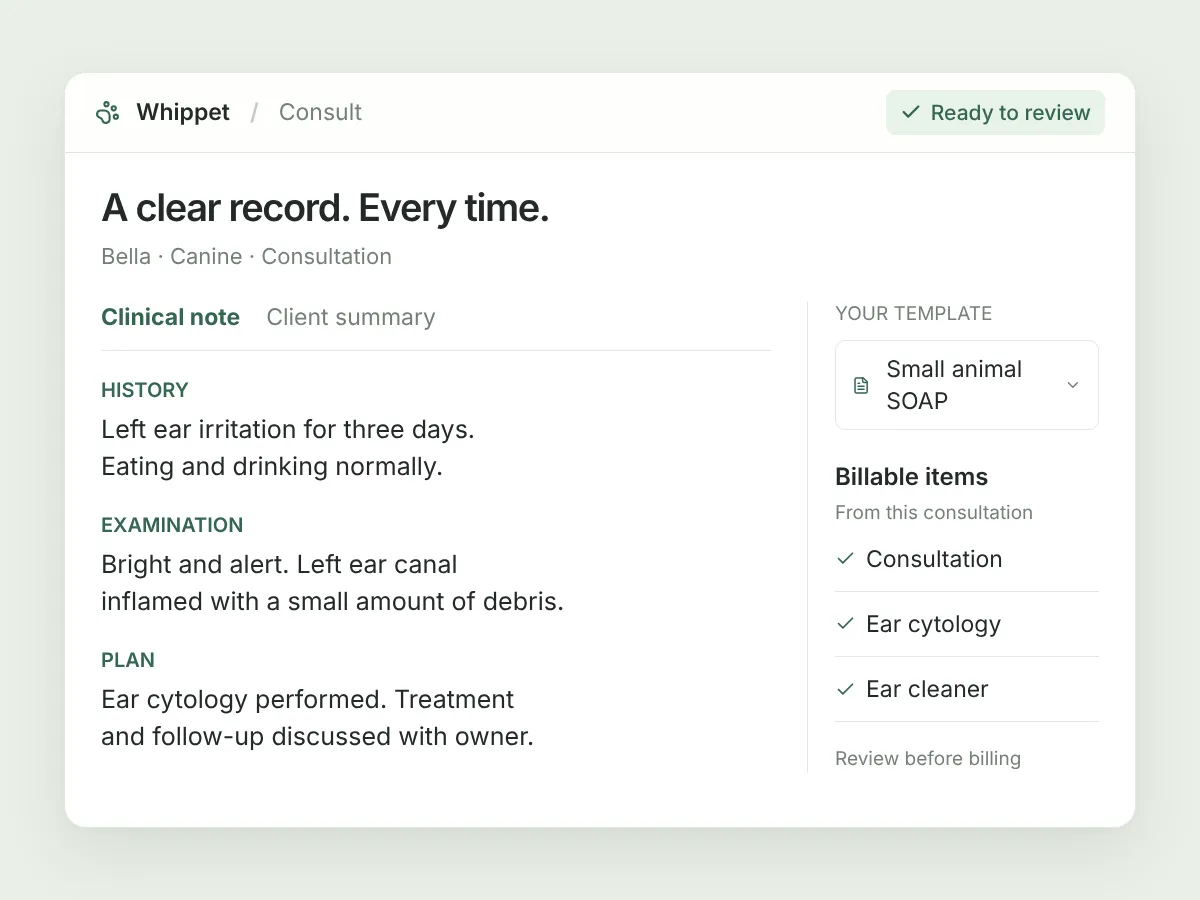
Clinical notes, in the template you already write in
Record the consult and Whippet returns a finished note — SOAP or your own structure, with your section order and your abbreviations. Not a transcript with headings on it: the conversation goes through transcription, then clinical extraction, then note generation, so what comes back reads like a record rather than a recording.
Explore this feature 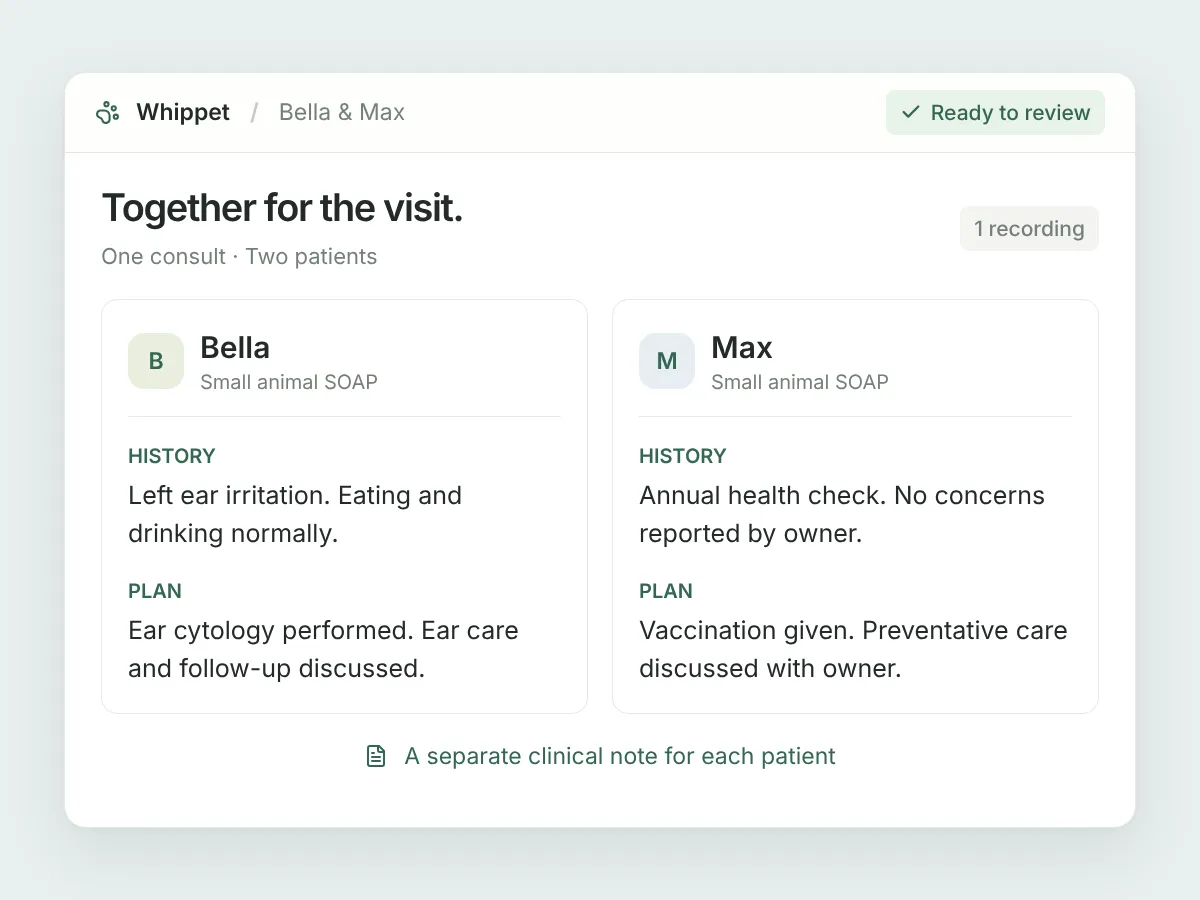
Two patients. One recording. Separate notes.
Two dogs from the same household, or a litter in for a check-up. Record the visit once and name each animal as you examine them. Whippet drafts a separate clinical note for each patient examined, ready for you to review within the same consult.
Explore this feature 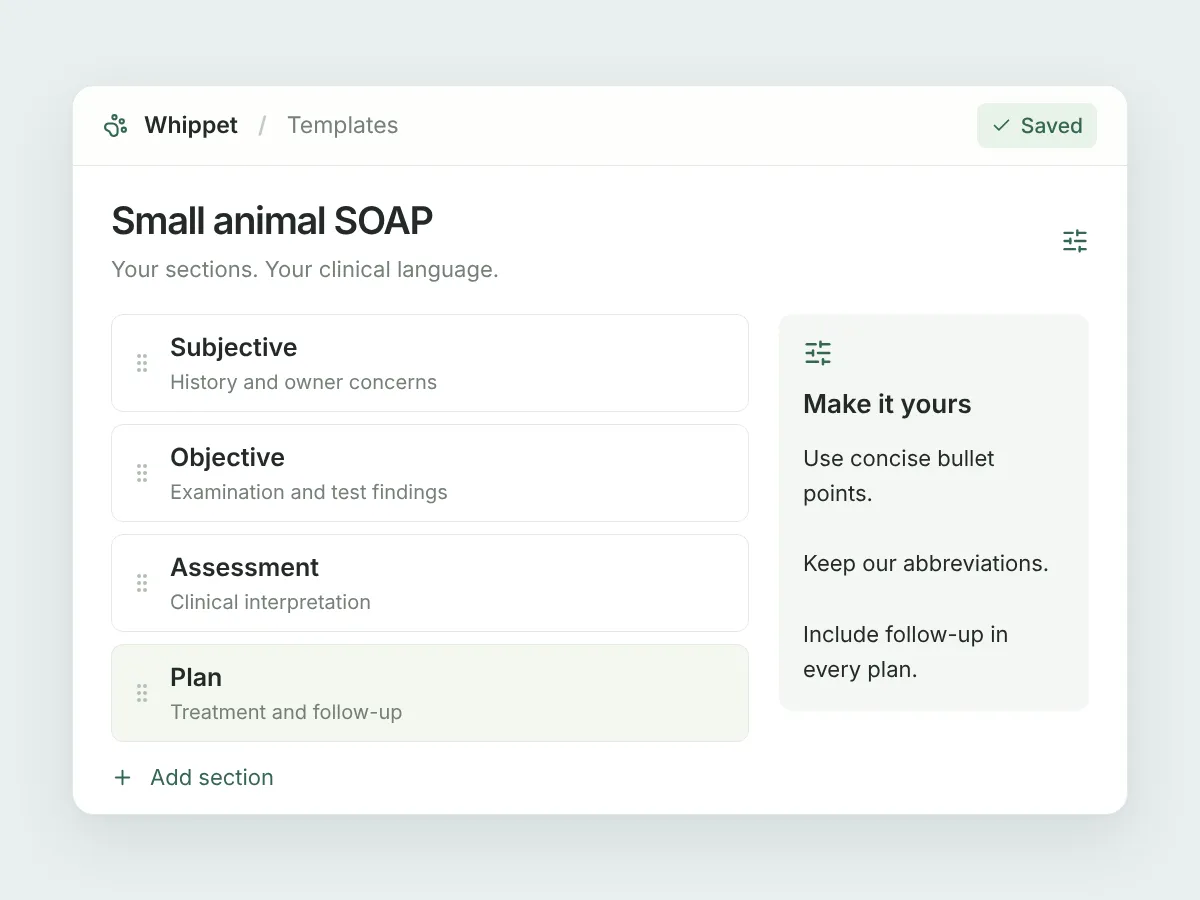
Templates that match how your practice writes
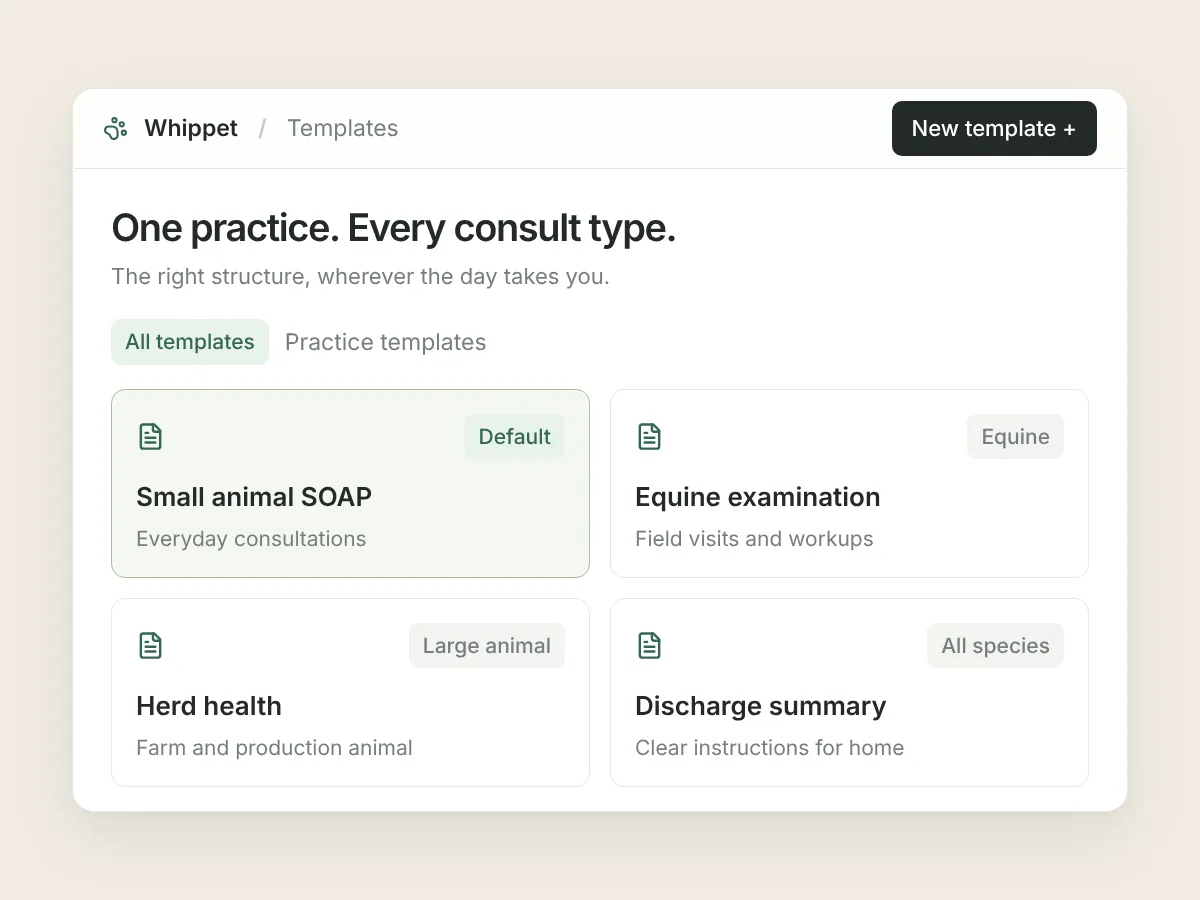
Build a template per consult type: puppy checks, dermatology workups, surgical recoveries, end-of-life conversations. Set it once and every consult of that type comes back in the same shape — including for the locum covering next Thursday.
Explore this feature 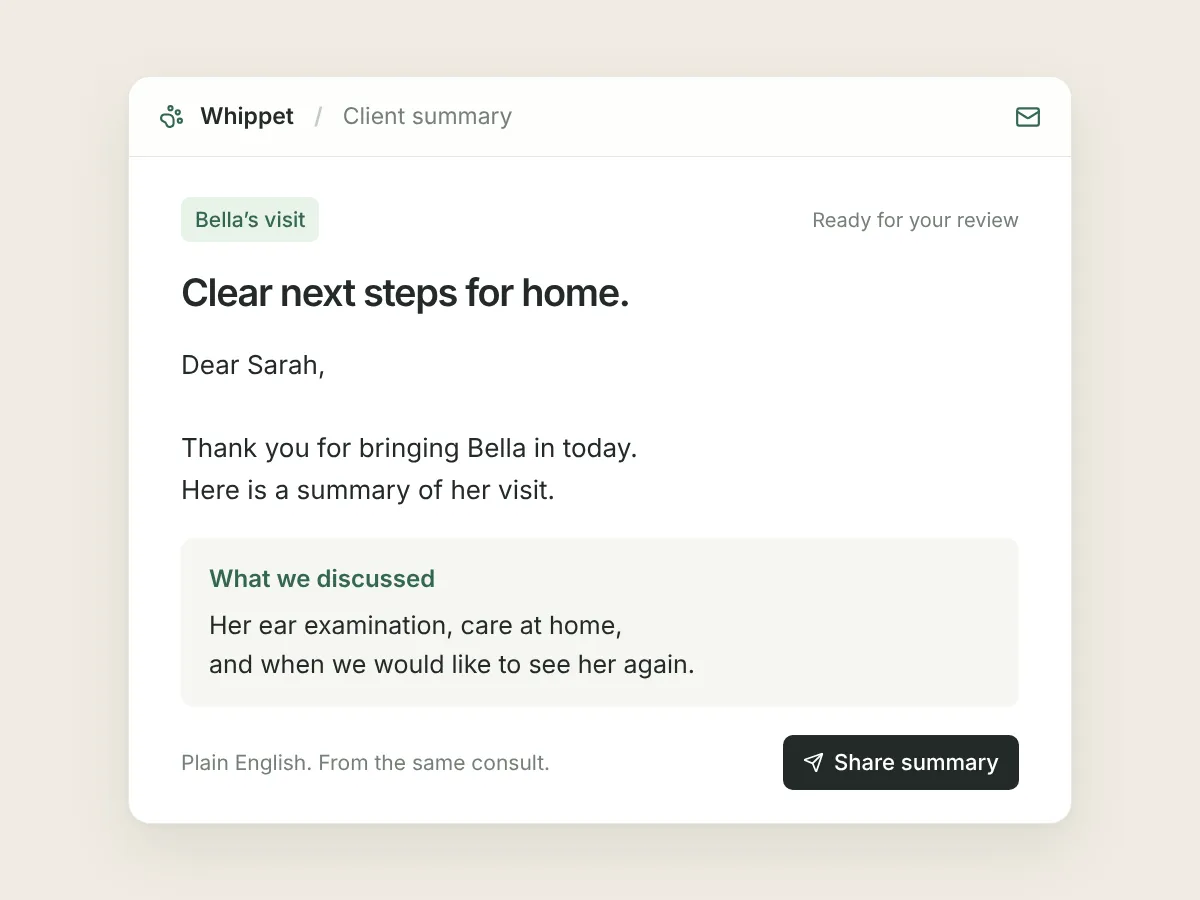
A letter the owner will actually read
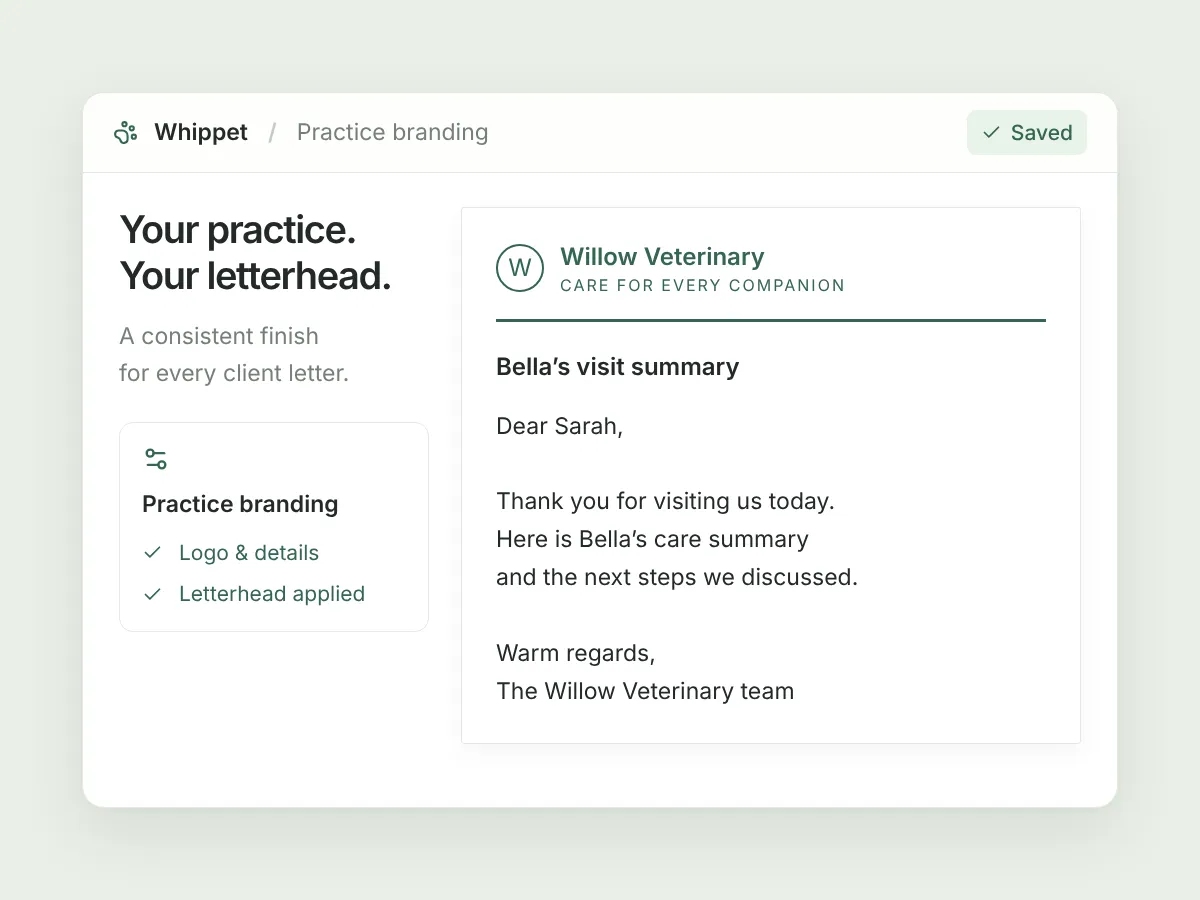
The same consult can produce a plain-English summary for the client. Review the wording, add your practice letterhead, then copy, download or print it to share with the owner.
Explore this feature Billable items you'd otherwise eat
Whippet lists the procedures, consumables and medications it heard during the consult so the invoice matches the consult. The cytology you ran at 5:55pm on a Friday is the one that goes unbilled.
Photos in the record, not on your phone
The wound, the derm patch, the radiograph on the screen. Attach it to the consult so the next vet seeing this patient sees what you saw.
Record with no reception, upload when you have it
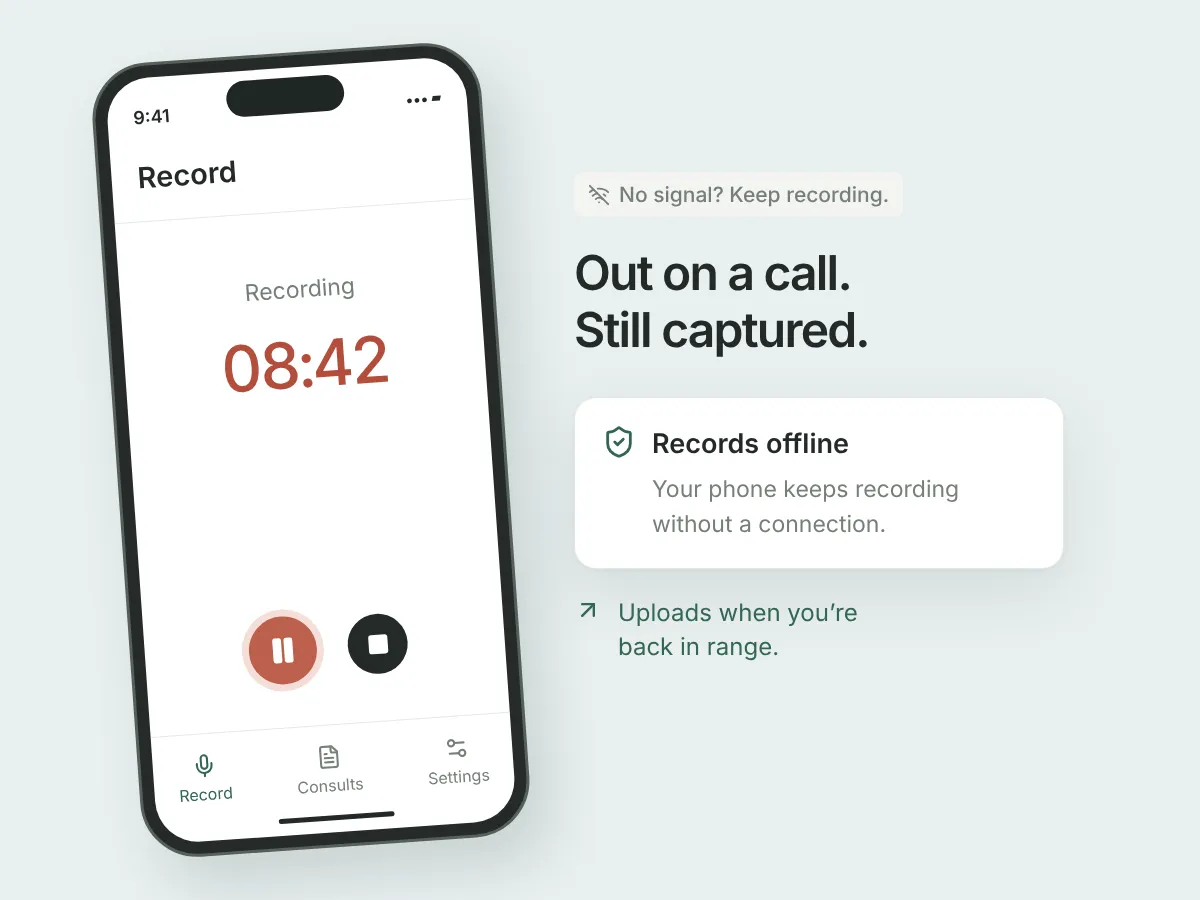
Farm calls, float-side, the back of a stable block. The mobile app records without a connection and uploads when you're back in range — you don't have to remember to do anything.
Notes land in the consult record, on every plan
If your practice runs Covetrus Ascend or RxWorks, your appointment list appears in Whippet and the finished note is written back to the patient's consult record. Included on every plan — there's no integration fee. ezyVet is in development.
Stored in Australia, or in Ireland
Your records are stored in Australia — or in Ireland for our UK and Irish customers.
Web, iOS and Android, one account
Record on the consult-room PC, on your phone in the dog yard, or on a tablet in surgery. Same account, same templates, same notes.
One scribe.
Every way you practise.
Whippet Notes adapts to how you practise, not the other way around.
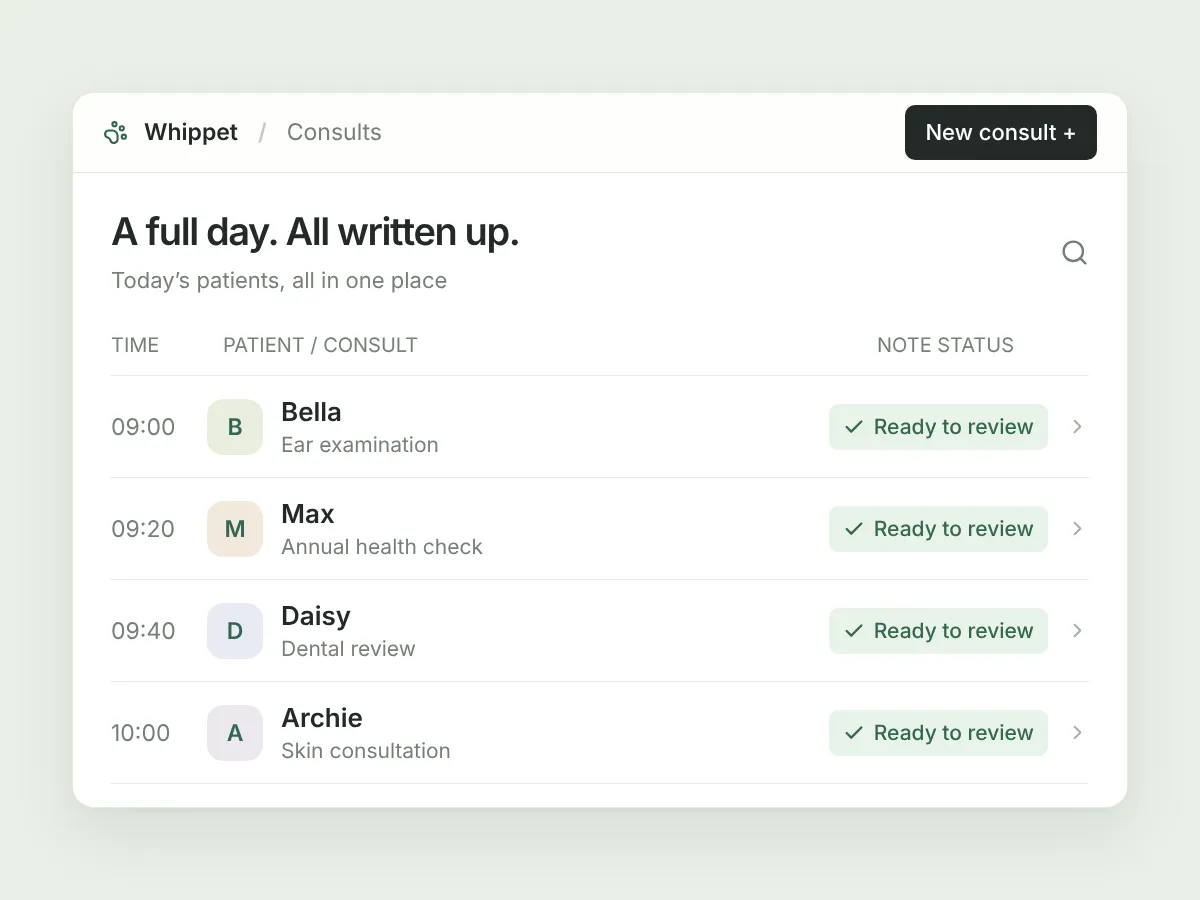
Every consult written up before the next one walks in.
-

Notes in your template
Vaccinations, lump checks, itchy dogs, the fifteen-year-old cat with weight loss. The note comes back in the structure you already use.
-
Built for a full book
Twenty-five consults and the admin still ends when the last one does, not two hours later.
-
The summary comes with it
A plain-English recap for the owner, generated alongside the clinical note, ready to send before they're out of the car park.
Written up on the road, not back at the practice.
-
Records with no signal
Stable block, paddock, race day, the float. Record on your phone; it uploads when you're back in range.
-
Holds up outdoors
Wind, hooves on concrete, and an owner talking over the exam. The clinical detail still comes through.
-
No laptop in the ute
The drive between calls stops being the time you catch up on notes.
One scribe that follows you across species — and across practices.
-
A template per context
Small animal SOAP in the morning, herd health in the afternoon. Switch without re-teaching anything.
-
Consistent either way
The same structure and level of detail whichever species is in front of you.
-
Your templates travel
Relieving somewhere new? The way you write follows you, whoever's PMS the practice is on.
Records finished on the day, by everyone.
-
The same standard from every vet
Shared templates mean the notes read the same whether they were written by your principal or by Thursday's locum.
-
Charges that match the consult
Billable items are listed from what was actually said, so the invoice reflects the work.
-
Time back that stays back
Vets who aren't writing up at 7pm are vets who come back next year.
Plays nicely with the tools you already use
Pick the appointment you're about to record and Whippet fills in the patient. Finish the consult and the note lands on that patient's consult record in your practice management system.
See all integrationsConnect it yourself under Settings → Integrations → Connect Ascend. Appointments pull through by clinic and consult room. Finished notes are written to the patient's consult record automatically, and re-sync whenever you edit them.
Connected practices syncing today Explore the Ascend integrationThe same flow, on your own RxWorks server. Your appointment list appears in Whippet; the note goes back to the consult record without you touching a keyboard.
Connected practices syncing today Explore the RxWorks integrationIn development. Tell us you're on ezyVet and we'll let you know when it's ready.
In development
What vets say once
the notes stop piling up.
“Note taking has always been one of my lowest priorities. For me; being a vet is about examining the patient, discussing histories and plans with the owner, thinking about the clinical puzzle - not typing up my notes. And now, they actually get done.”
“Even with a co-consulting model utilising nurses there was always a delay in Veterinarian completion of notes. As a business owner I wanted to free up Veterinary time and stress but still have thorough veterinary records. Whippet notes allow us to do this.”
“Whippet Notes allows me to focus on my patient and client, knowing the details of our conversation are locked away. It helps me keep track of the details or multiple concerns, which can be easily forgotten.”
Every plan, the whole product.
Only the volume changes.
Monthly or yearly. Cancel any time — no lock-in. Your first 30 days are free on Unlimited, and you don't need a card to start.
Prices in Australian dollars.Prices in British pounds.Prices in euros.Prices in UAE dirhams. Your billing currency is set by your practice's country when you sign up. Somewhere else? Get in touch and we'll sort billing out with you.
Covetrus Ascend and RxWorks sync is included on every plan, including the free one. No add-on fee,
no higher tier to unlock it.
Free
Try it on real consults, for as long as you like.
- 10 consults per billing period
- Ascend & RxWorks sync — included
- Custom templates, client letters, billable items
- Web, iOS and Android
Pro
For a vet who wants the notes done, but isn't consulting all week.
- 100 consults a month
- Everything in Free
- Ascend & RxWorks sync — included
Unlimited
For a full book. Record everything, every day.
- Unlimited consults
- Everything in Free
- Ascend & RxWorks sync — included
Practice
One price for the clinic, however many vets are recording.
- Unlimited consults for the practice
- Everything in Free
- Ascend & RxWorks sync — included
- More than five full-time vets? Talk to us.
Questions vets actually ask
What is an AI vet scribe? +
Software that listens to your consultation, transcribes it, and writes the clinical note for you. Instead of typing up the consult afterwards, you review a finished note.
How does Whippet Notes work? +
Open the app and record the consult. Whippet transcribes the audio, pulls out the clinical information, and writes the note in your template. You review it, edit anything you want, and it's done — and if your practice is connected to a practice management system, it's already in the patient's record.
How accurate are the notes? +
Review every generated note and save any corrections. Whippet processes the recording in stages: transcription, extracting clinical information, and drafting the note. You can inspect the original transcript and key information while reviewing. Clear audio and saying important findings and treatments aloud help give the AI the information it needs.
Will it cope with a noisy consult room? +
Yes. Barking, a toddler, a nurse restraining, an owner talking over you. Whippet was built for consult rooms and paddocks, not quiet offices.
Can I edit the notes? +
Yes — the note is yours to change. Edit it in Whippet and click Save. For connected appointments, notes sync automatically after processing, and saved edits are sent across again. There is no separate sign-off or send button.
Does it work with my practice management system? +
Whippet connects to Covetrus Ascend and RxWorks. On Ascend, authorise Whippet Notes in Ascend, then connect it yourself under Settings → Integrations → Connect Ascend. Your appointment list appears in Whippet, and the finished clinical note is written back to that patient's consult record. It's included on every plan — there's no integration fee. ezyVet is in development. On another system, you copy the note across in one action.
I'm a mobile vet with no reception — can I use it? +
Yes. The mobile app records without a connection. Recordings are held on your phone and upload as soon as you're back in range.
How long can I record for? +
As long as the consult takes. You choose the recording length before you start, up to an hour and a half.
What happens to my data? +
Your records are stored in Australia — or in Ireland if you're in the UK or Ireland. Data is encrypted in transit and access is restricted. See our Privacy Policy and GDPR Policy.
What do I get from one recording? +
The clinical note, a plain-English summary for the owner, and a list of the billable items mentioned during the consult.
Can I use my own note format? +
Yes. Use the built-in templates including SOAP, or build your own — per species, per consult type, per practice. Set it up once and every consult follows it.
Is there a free trial? +
Yes — 30 days, no credit card. After that you can stay on the free plan, which gives you ten consults a month for as long as you like.
What does it cost? +
Plans start at $80 AUD per month, and there's a free plan with ten consults a month. No lock-in contract — cancel any time from inside the app. See pricing.
Sign up today and say goodbye to manual note-taking
30 days free on the Unlimited plan, no credit card. Record your first consult in the time it takes to read this page.
Already have an account? Log in