
Client letters & exports
The conversation ends. The clarity goes home.
Turn the consult into a plain-language client summary. Review the wording, use your practice letterhead, then copy, download or print it to share with the owner.
Start your free trial30 days. No credit card.
A recap in everyday language
Start with a client summary drafted from the consult. Tidy the wording, add a personal note and check the next steps before sharing it.
Your clinic at the top
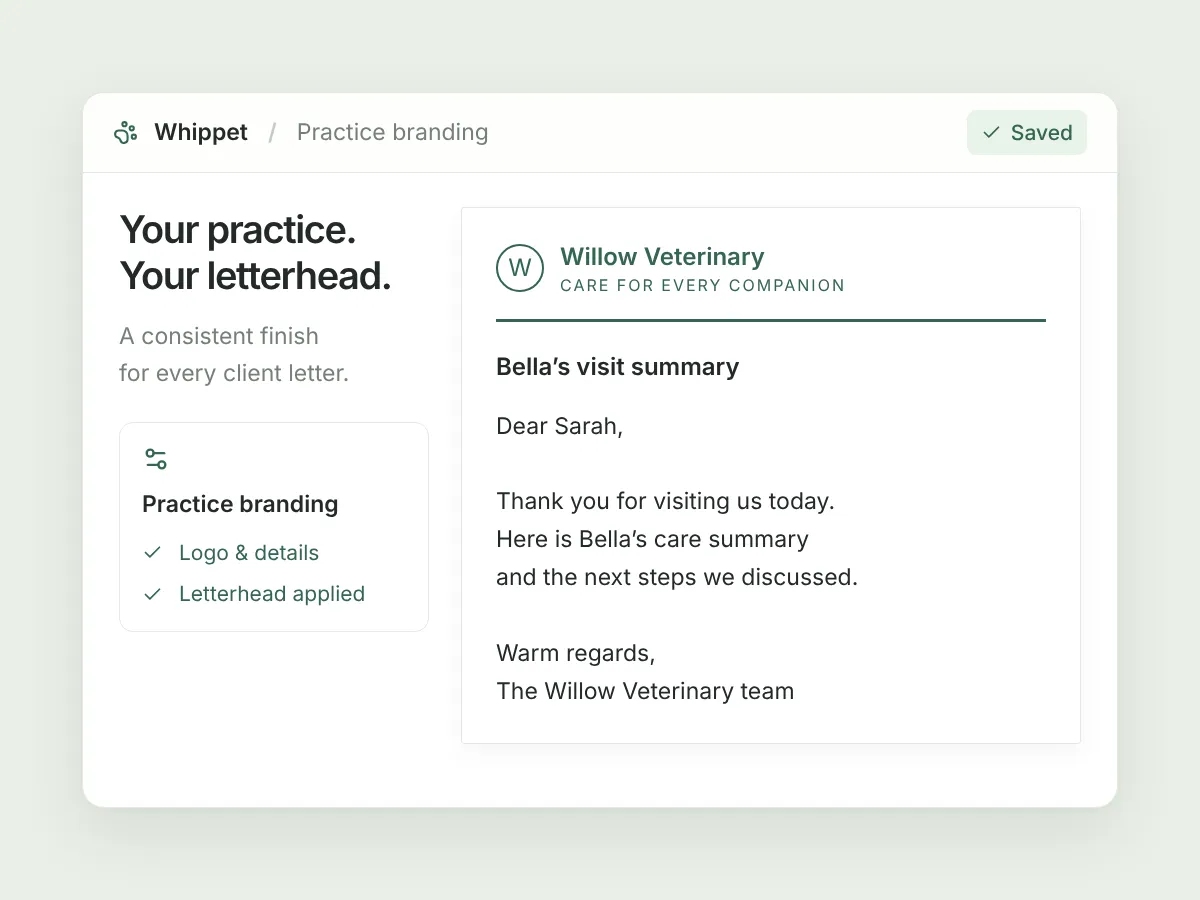
Set up a custom letterhead with your logo and contact details on a desktop browser. Once saved and enabled, it appears on the client summaries you generate.
Useful beyond an integration
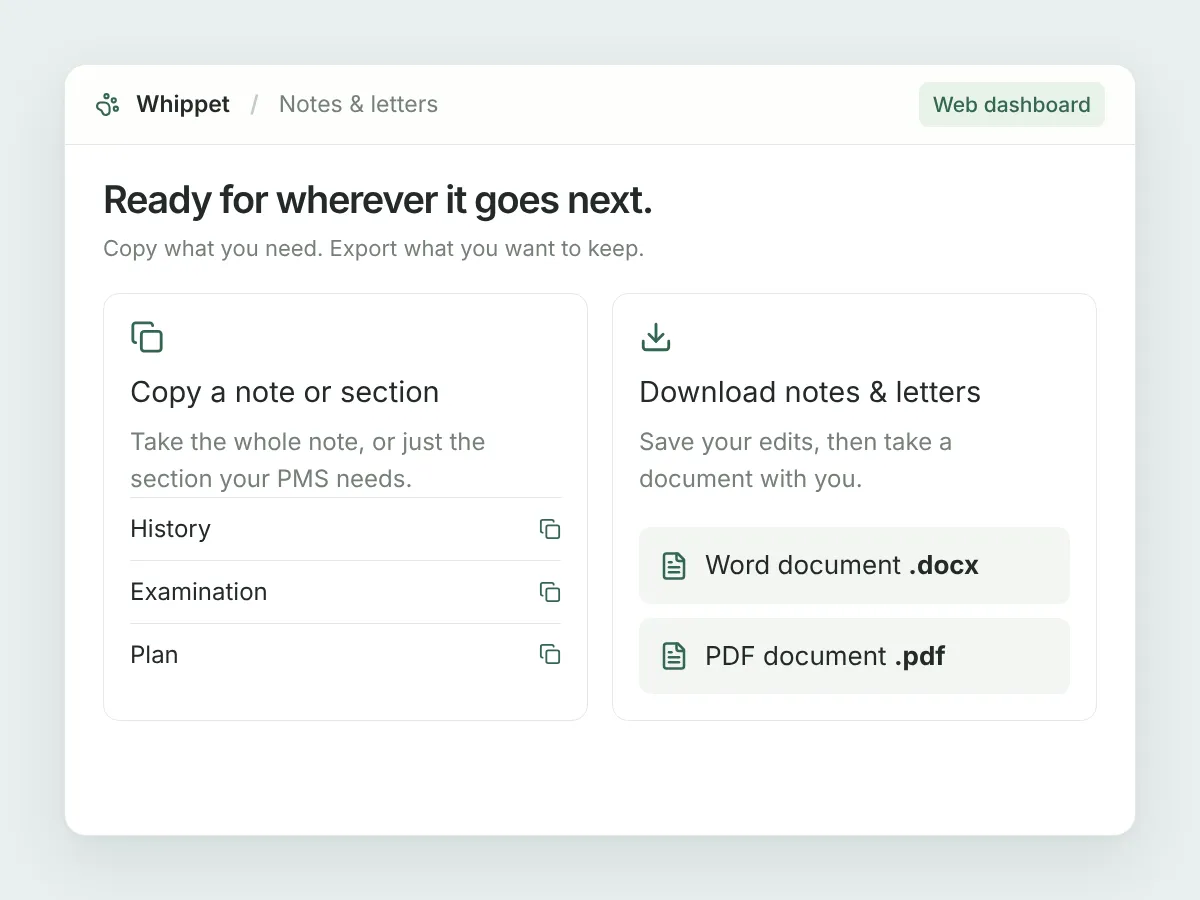
Copy a complete clinical note or an individual section into your PMS. Take notes and letters with you as Word documents or PDFs.
In your day-to-day
Copy a section. Download the whole note.
Some practice systems have separate fields for history, examination and plan. Copy just the note section you need instead of pulling it apart by hand. For a document you want to keep or share, save your edits and download a Word file or PDF. Letter downloads preserve formatting and tables; copying a letter gives you plain text.
A few useful details.
Does Whippet email the letter to the owner?
No. Whippet drafts, exports, copies or prints the letter. You send it through your usual email or practice workflow.
Does downloading save my edits?
No. Click Save first, then export the note or letter so the downloaded document contains your saved changes.
Can I print the letter?
Yes. The letter toolbar includes Print. You can also download a PDF; clinical notes can be printed from their downloaded PDF.
Sign up today and say goodbye to manual note-taking
30 days free on the Unlimited plan, no credit card. Record your first consult in the time it takes to read this page.

Already have an account? Log in