
Mobile recording
Take the consult. Leave the laptop.
In the stable block, on a farm call or out in the dog yard, record with the Whippet mobile app. Capture the conversation where it happens and return to your notes in the web dashboard.
Start your free trial30 days. No credit card.
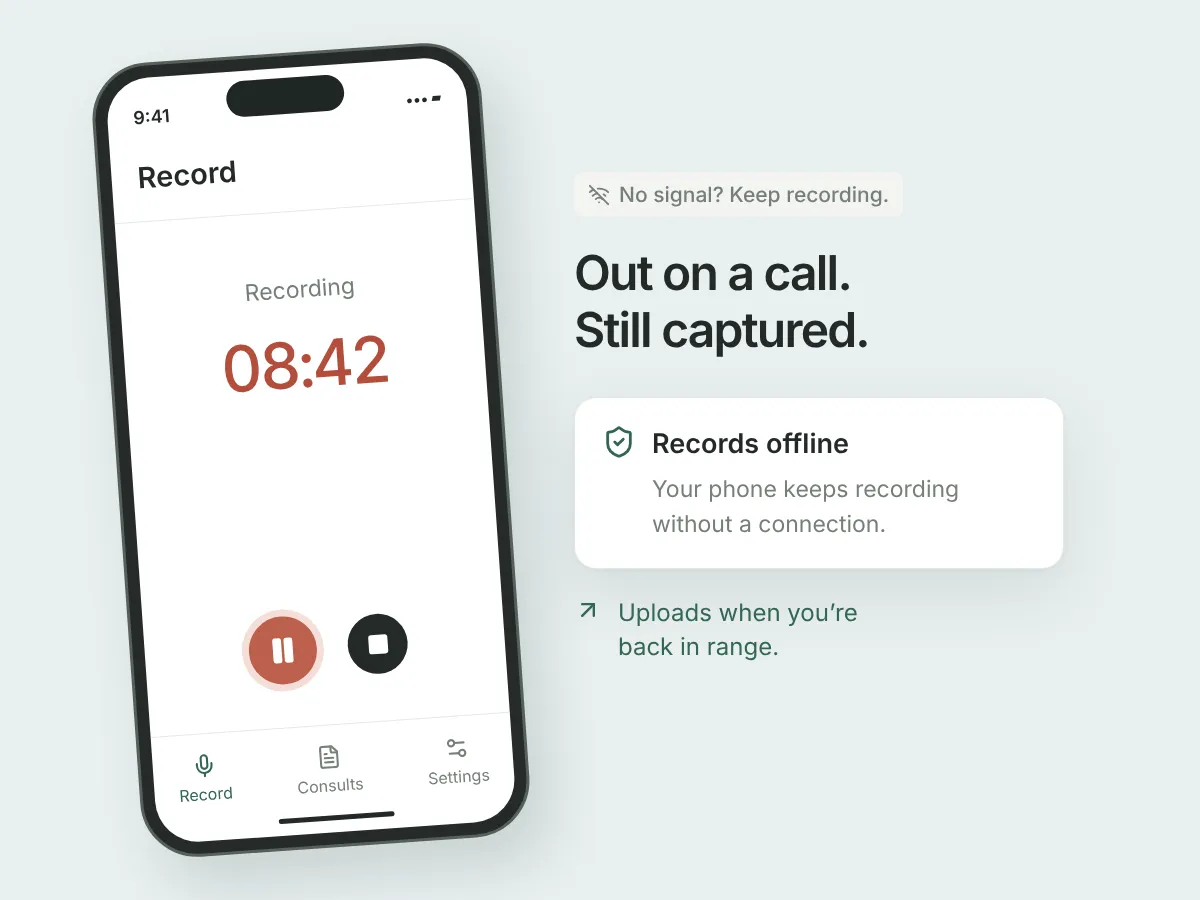
Record without reception
The mobile app can record without a connection. Keep the recording on your device and upload when you’re connected; generating the note needs an internet connection.
Your practice, on your phone
Use Whippet on iOS or Android with the same account you use on the web. Your practice’s templates and uploaded consults are available across that workflow.
Finish on a larger screen
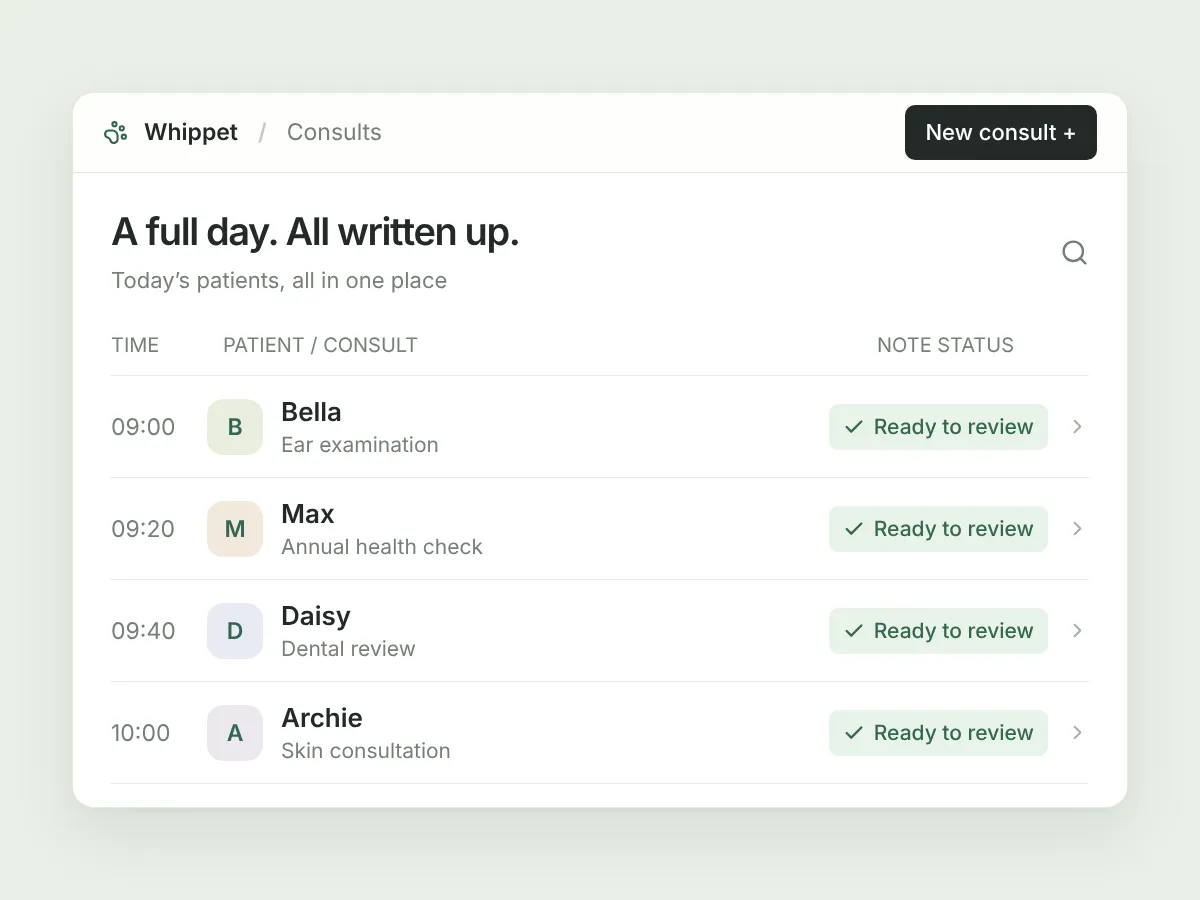
Back at your desk, open the uploaded consult in the web dashboard. Review the note, inspect the transcript and save any corrections.
In your day-to-day
Pick up the case where you left it.
Recording on a phone and editing at a desk are different jobs. Once your recording is uploaded and processed, the web dashboard gives you room to review the note and its supporting information. Need to add a later update? Use Add details on the web to generate another note within the existing consult.
A few useful details.
Are notes generated offline?
No. Offline recording is a mobile capture feature. Uploading and AI note generation require a connection.
Does mobile include every web feature?
No. The workflows differ. Add details and the integration sync-status badge are web-only, and letterhead design is best done in a desktop browser.
Can I upload a voice memo I already have?
Yes. Open the web dashboard and use Upload audio file. That is a separate workflow from recording directly in the mobile app.
Sign up today and say goodbye to manual note-taking
30 days free on the Unlimited plan, no credit card. Record your first consult in the time it takes to read this page.

Already have an account? Log in