
Review & follow-ups
The first recording isn’t the last word.
Blood results arrive. An owner calls back. A note needs tightening. Add new information to an existing consult or ask Whippet to refine your draft, without starting the appointment again.
Start your free trial30 days. No credit card.
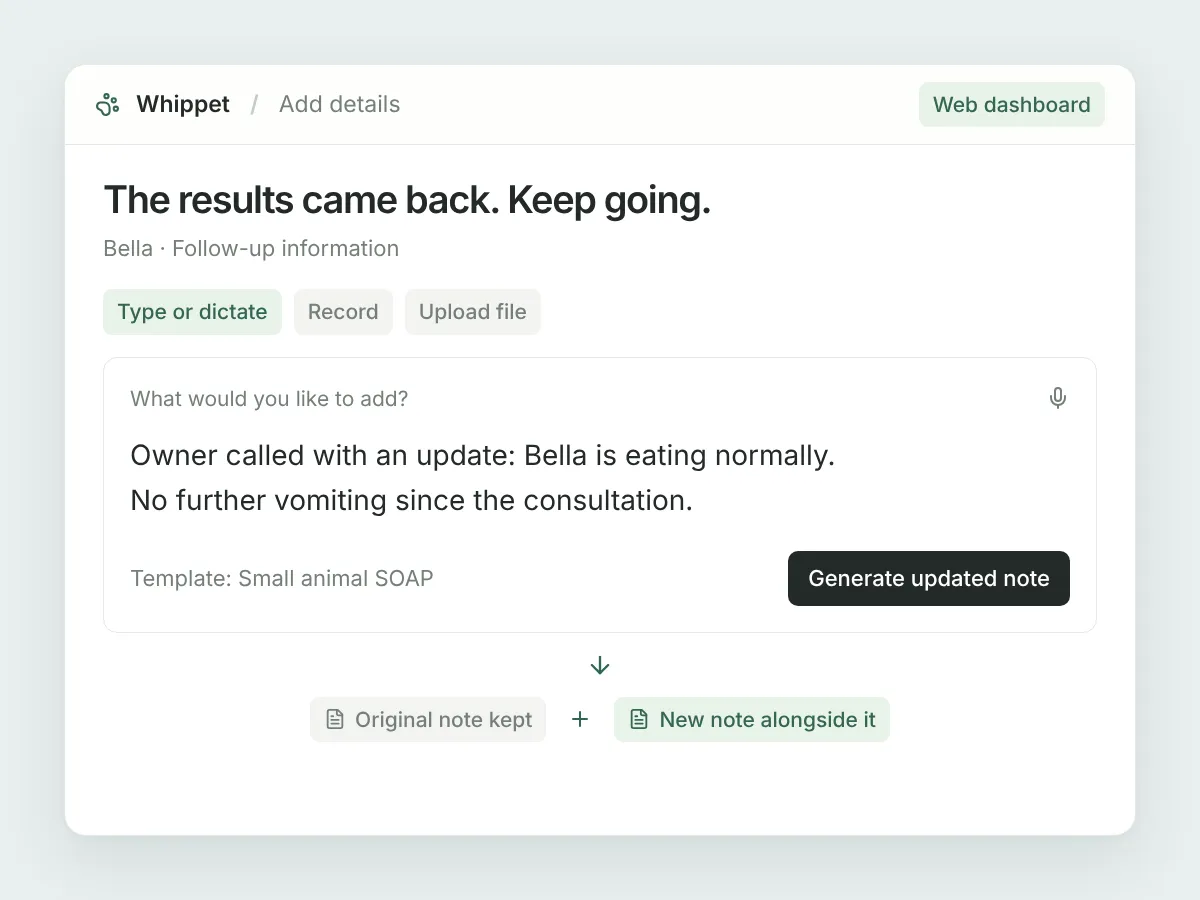
Add it however it comes
In the web dashboard, type or paste new information, dictate a quick update, record an addendum or upload an audio file.
Keep the original
Your addition is merged into the consult’s key information and used to draft a new note in your chosen template. Existing notes stay alongside it.
Make the draft your own
Ask for a shorter passage, expanded abbreviations or cleaner formatting. Work on a selection or the entire note, then preview the proposed rewrite.
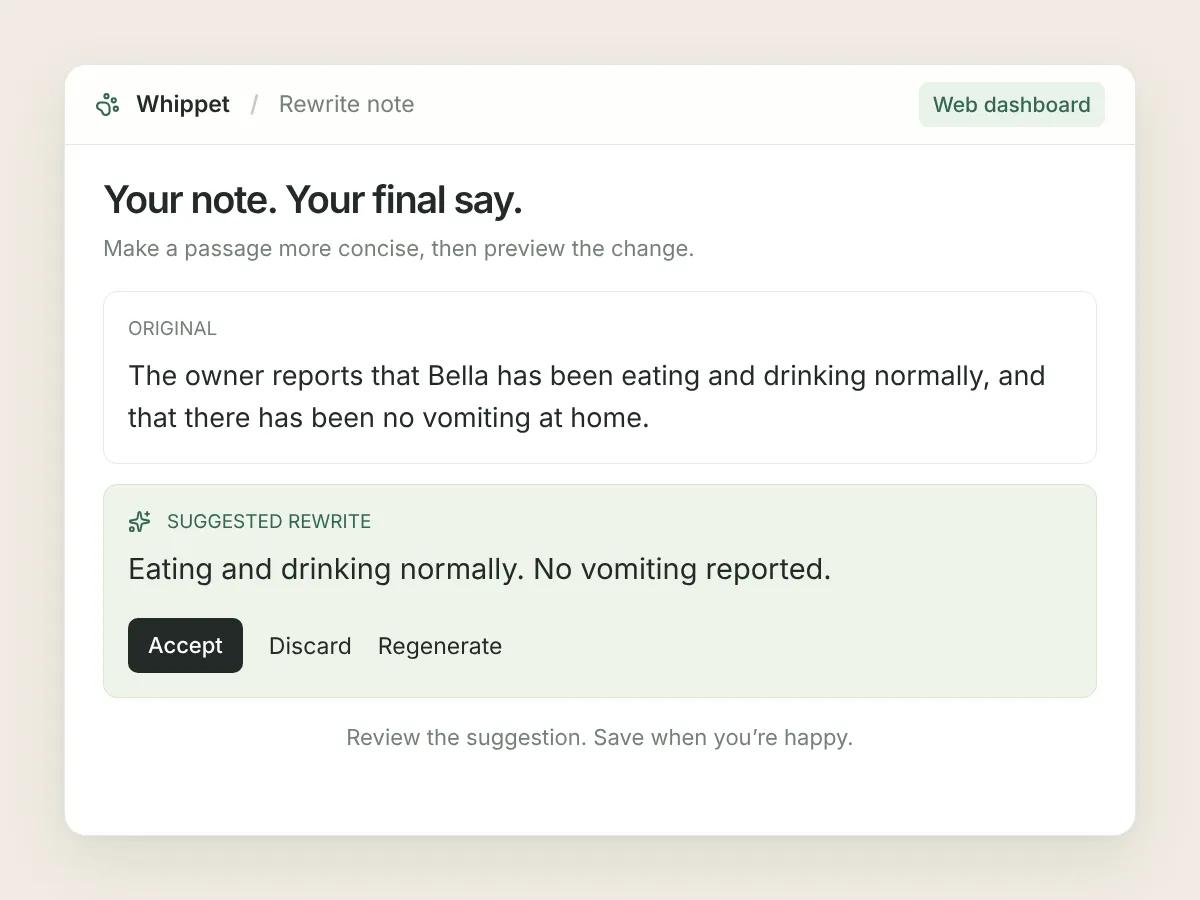
In your day-to-day
A suggestion, not a silent edit.
Tell Whippet what you want changed in your own words. The rewritten text appears in a preview so you can accept, discard or regenerate it. Accepting stages the change in the editor; you still click Save to keep it. Changed your mind? Undo restores the original text.
A few useful details.
Does Add details update every output?
No. It creates a new clinical note and updates key information. Your original notes, client summary and billable items are not regenerated by this action, and the transcript still shows the original recording.
Can I add details in the mobile app?
Add details is currently available in the web dashboard only. You can upload an existing audio file there if your update was recorded elsewhere.
Can I use AI rewrite on client letters?
Not currently. AI rewrite is available for clinical notes and saved templates. You can edit client letter wording manually.
Sign up today and say goodbye to manual note-taking
30 days free on the Unlimited plan, no credit card. Record your first consult in the time it takes to read this page.

Already have an account? Log in