
Clinical notes
Be in the consult. Not behind a keyboard.
Record the conversation, choose your template, and let Whippet draft the clinical note. Spend your attention on the patient, then review the record with the details in front of you.
Start your free trial30 days. No credit card.
Your structure, from the start
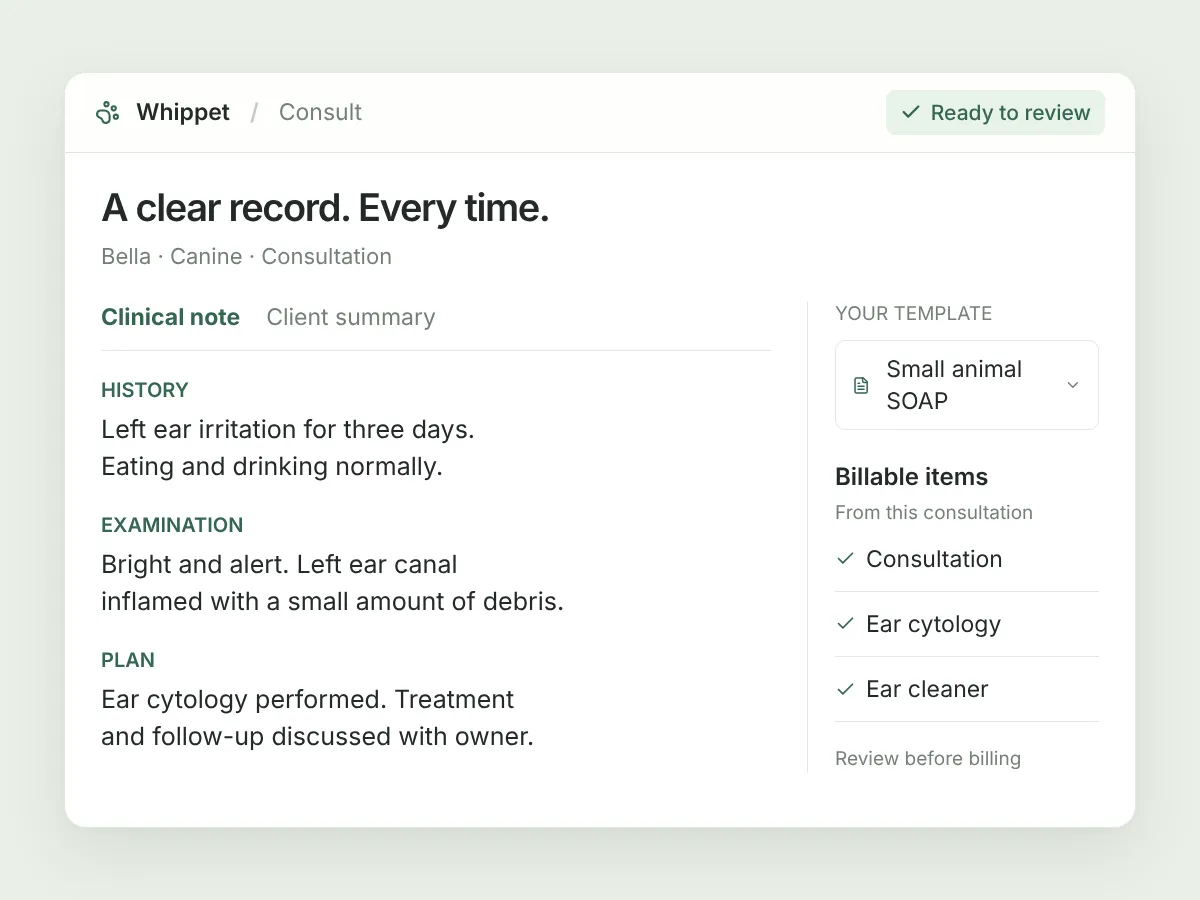
Choose SOAP or a template shaped around your consult. Add relevant background before uploading, so Whippet has context alongside the recording.
Already recorded? Upload it
Use a voice memo or another audio recording in the web dashboard. You can turn existing audio into notes without recording the appointment again.
Check the source
Open the original transcript or extracted key information while reviewing the note. Correct anything that needs changing, then save your edits.
In your day-to-day
A record you can come back to.
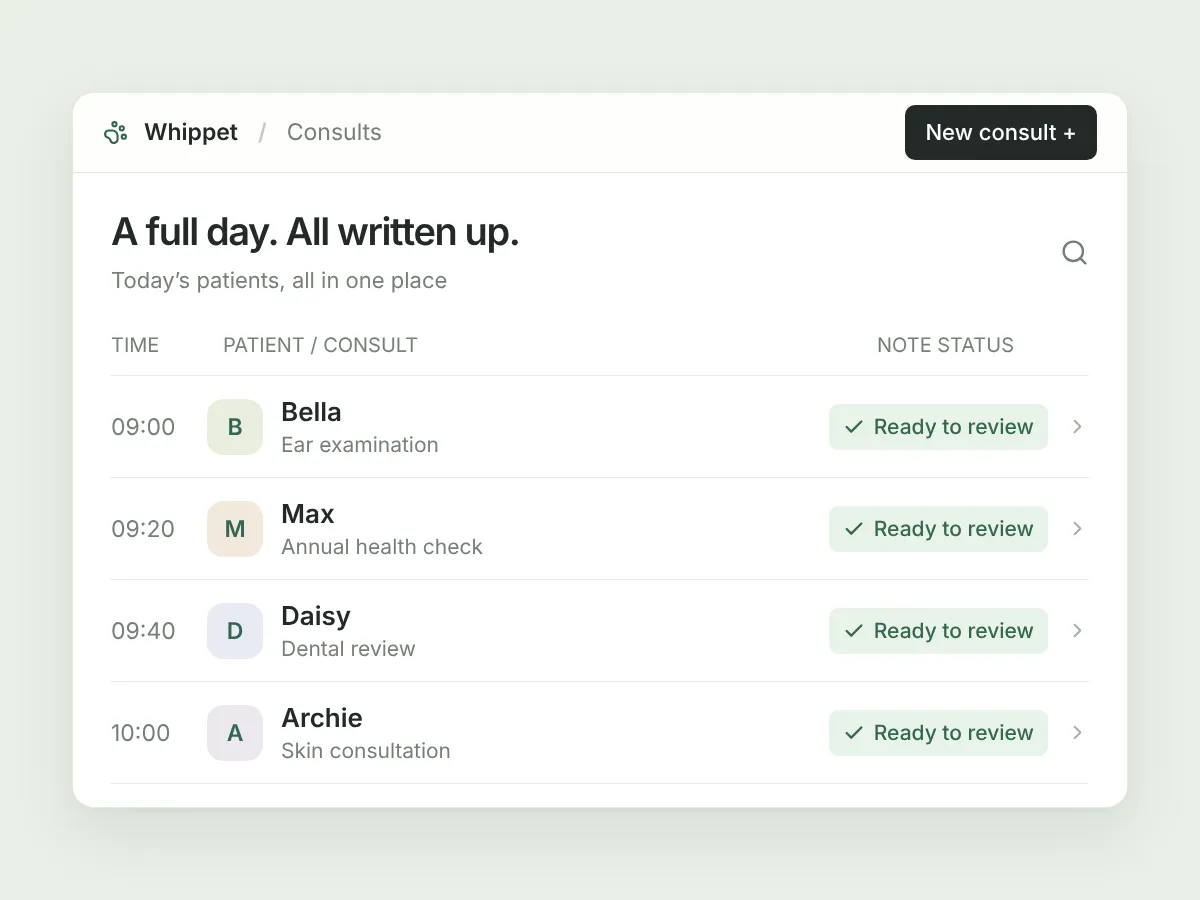
Find your own consults or your practice’s consults in one place, filter by date, and see who recorded the visit. Open the case to review the note, client summary and billable items. It’s useful when you’re finishing the day’s work—or picking up where a colleague left off.
A few useful details.
Does it write the note while I’m speaking?
The web recorder shows a timer and waveform while you record. Transcription and note generation start after you upload, not during the conversation.
Should I review the generated note?
Yes. Check every note and save any corrections. Say important findings and treatments aloud: Whippet needs that information to include it in the draft.
When does the note reach my PMS?
For connected Ascend and RxWorks appointments, notes sync automatically after processing; there is no separate approval or send button. Saved changes sync again. Other systems can use copy and export.
Sign up today and say goodbye to manual note-taking
30 days free on the Unlimited plan, no credit card. Record your first consult in the time it takes to read this page.

Already have an account? Log in