
Multi-patient visits
Together for the visit. Separate in the notes.
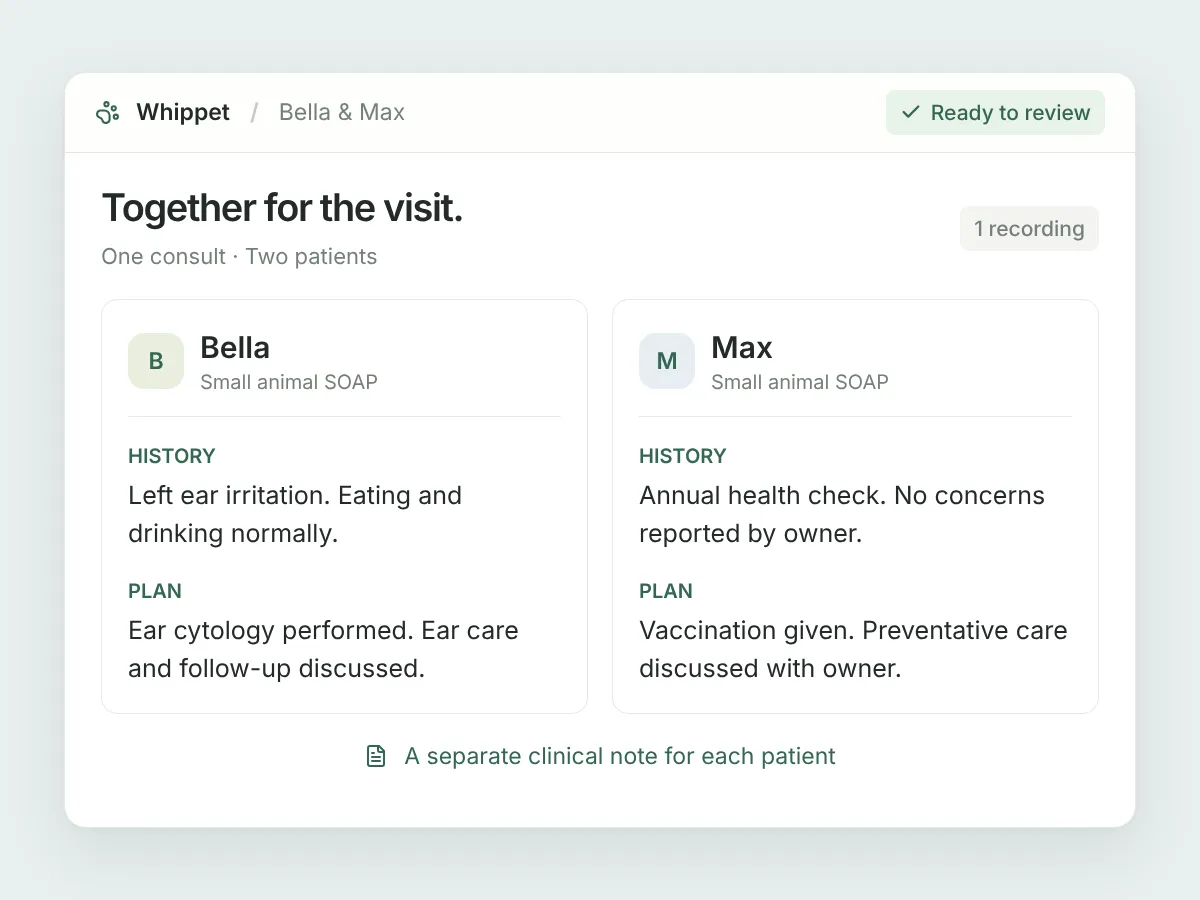
Two dogs from the same household. A litter in for a check-up. Record the visit once and Whippet drafts a separate clinical note for each animal examined, all within the same consult.
Start your free trial30 days. No credit card.
Name each patient
Enter the animals’ names and say who you’re examining as you move between them. A clear handover helps Whippet attribute findings and plans to the right patient.
One tab per patient
Notes are labelled by patient and template, so you can move between each animal’s record to review and edit it.
Export the individual notes
Download each patient’s note as a Word document or PDF. The filenames include the patient’s name to help you identify the right document.
In your day-to-day
One visit, without the manual split.
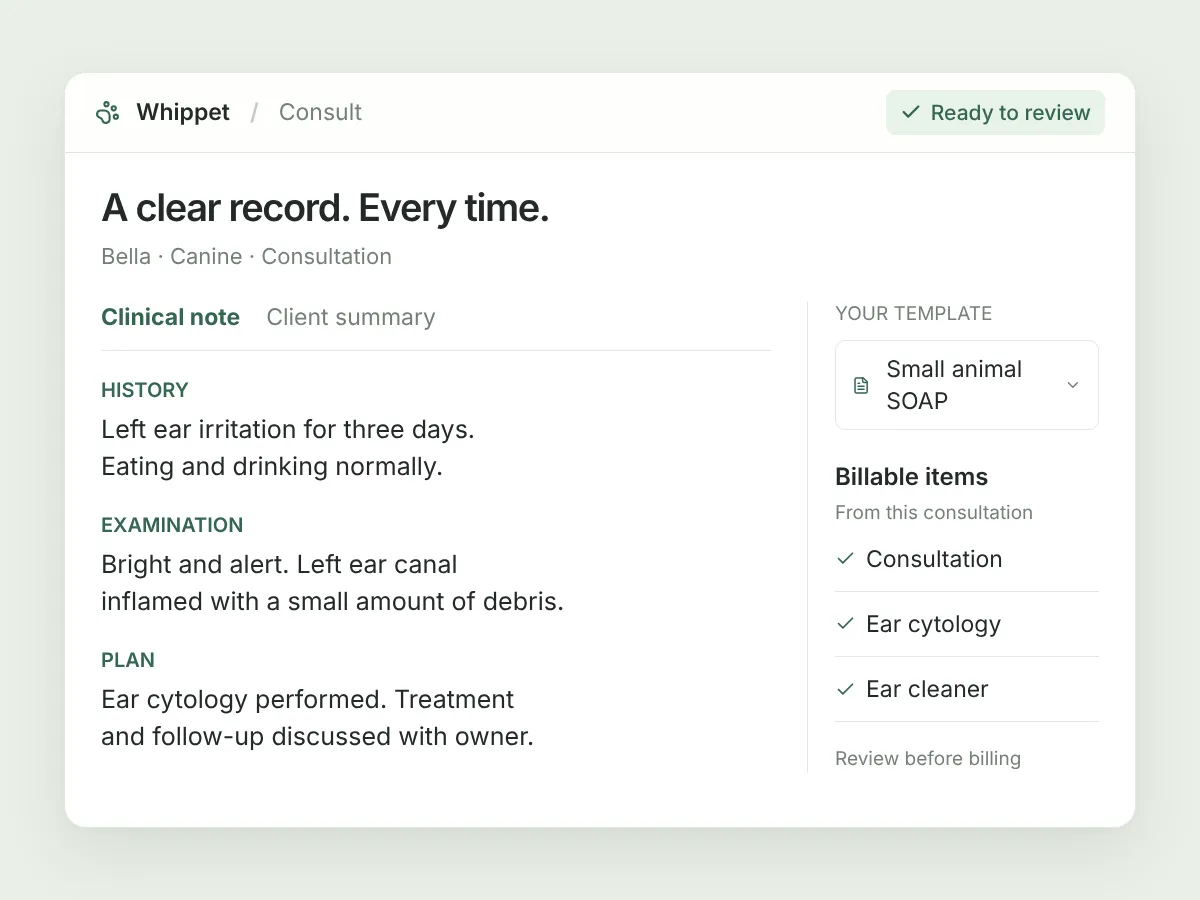
Whippet uses the recording to identify animals that were actually examined—not pets mentioned in passing. Summarise each animal’s findings and treatment plan aloud, using their name. Review the resulting notes before using them. The client summary and billable-item list stay together for the whole visit, and the recording counts as one consult towards your plan.
A few useful details.
Will each animal get its own record in my PMS?
Not automatically. The patient notes belong to one Whippet consult. If you need a separate PMS consult record for each animal, record each animal separately.
Are the letter and billable items split too?
No. There is one client summary and one billable-item list for the whole visit. The clinical notes and their downloads are separated by patient.
What happens if I add details later?
Add details, New from template and note regeneration currently produce a combined note, not another set of separate patient notes. Review the output with that in mind.
Sign up today and say goodbye to manual note-taking
30 days free on the Unlimited plan, no credit card. Record your first consult in the time it takes to read this page.

Already have an account? Log in